Selecting the Interface Language
In the main ATAS window, click the Profile icon in the upper-right corner and select Language to choose the platform interface language.
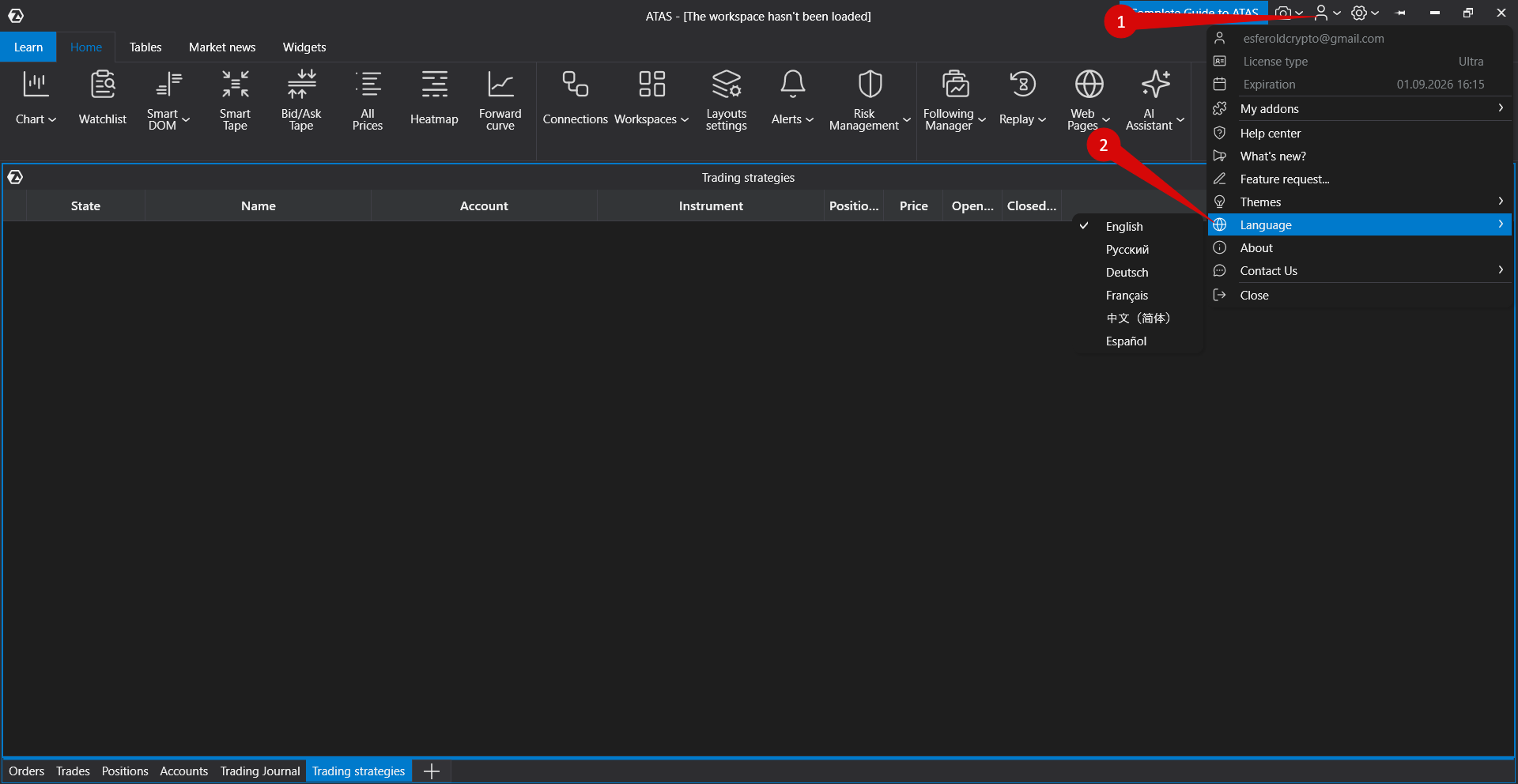
Language selection is available only in the main platform window. If separate windows (for example, charts) are already open, the language change may not be applied to them until those windows are restarted.
Was this article helpful?
That’s Great!
Thank you for your feedback
Sorry! We couldn't be helpful
Thank you for your feedback
Feedback sent
We appreciate your effort and will try to fix the article